

 Follow us
 Follow us
Running a Shopify store can look simple from the outside. Add products, choose a theme, start advertising, and wait for the orders to come in.
In reality, store owners often spend hours doing much less glamorous work: writing product descriptions, answering repetitive customer questions, checking sales data, creating marketing content, updating product pages, and figuring out why shoppers are leaving without buying.
That is where AI can make a real difference.
In 2026, AI is no longer limited to generating a blog post or writing a social media caption. Shopify has built AI directly into its platform through tools such as Sidekick, while the Shopify App Store has hundreds of apps using AI for product content, SEO, customer service, search, recommendations, and other ecommerce tasks.
But more AI does not automatically mean a better store. The useful question is: which AI tool solves a problem you actually have?
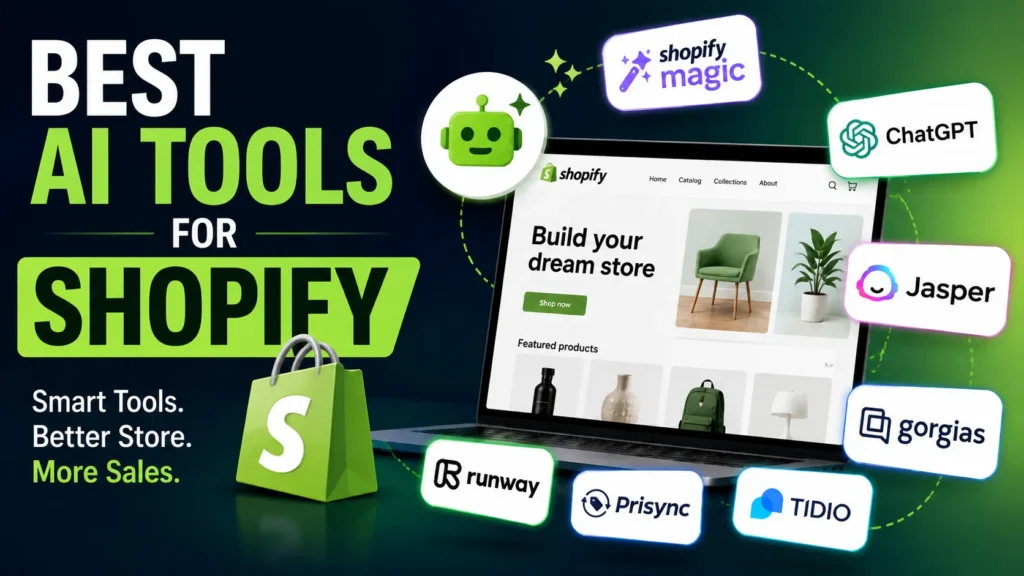
Here are 10 AI tools worth considering for Shopify stores in 2026.
Best AI Tools for Shopify in 2026
| AI tool | Best for | Shopify fit |
| Shopify Sidekick | Store management and everyday tasks | Native |
| Shopify Magic | Product content and marketing copy | Native |
| ChatGPT | Writing, research and ideas | Via integrations/API |
| Jasper AI | Brand-focused marketing content | Third-party |
| Shopify Inbox | Customer conversations | Native |
| Shopify Search & Discovery | Product search and recommendations | Native |
| Gorgias | Customer support automation | Shopify integration |
| Tidio | AI chat and customer support | Shopify app |
| Prisync | Competitor price tracking | Shopify integration |
| Runway | Product and marketing video | Third-party |
1. Shopify Sidekick
If you run a Shopify store and want one AI assistant that understands your actual business, Shopify Sidekick is probably the first tool to try.
Sidekick is built directly into Shopify rather than sitting outside your store. It can work with Shopify data and help with everyday tasks such as creating product descriptions, analyzing performance, editing parts of the storefront, creating collections, setting up discounts, and generating reports.
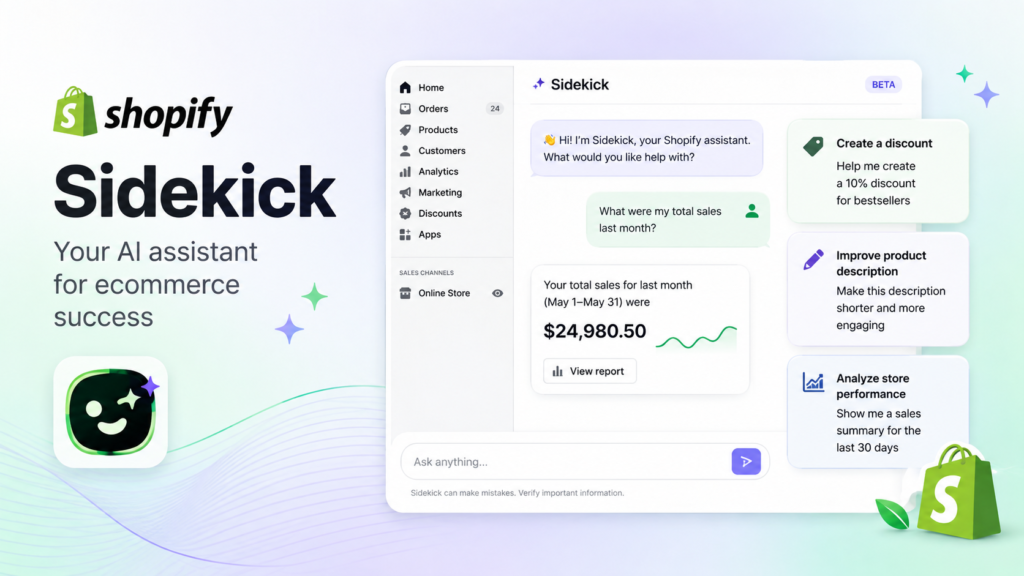
What makes it particularly useful is that you can communicate with it in normal language.
Instead of trying to figure out where a particular Shopify setting is, you can simply explain what you want to accomplish and let Sidekick guide you through it.
Shopify has also expanded Sidekick in 2026. It can work with payments and web-performance data, create customers and companies, and support additional store-management tasks.
Best for: Store owners who want an AI assistant inside Shopify.
Pricing: Included with Shopify plans, although features and usage limits can vary by plan.
2. Shopify Magic
Writing hundreds of product descriptions is one of those jobs that can quietly consume an enormous amount of time.
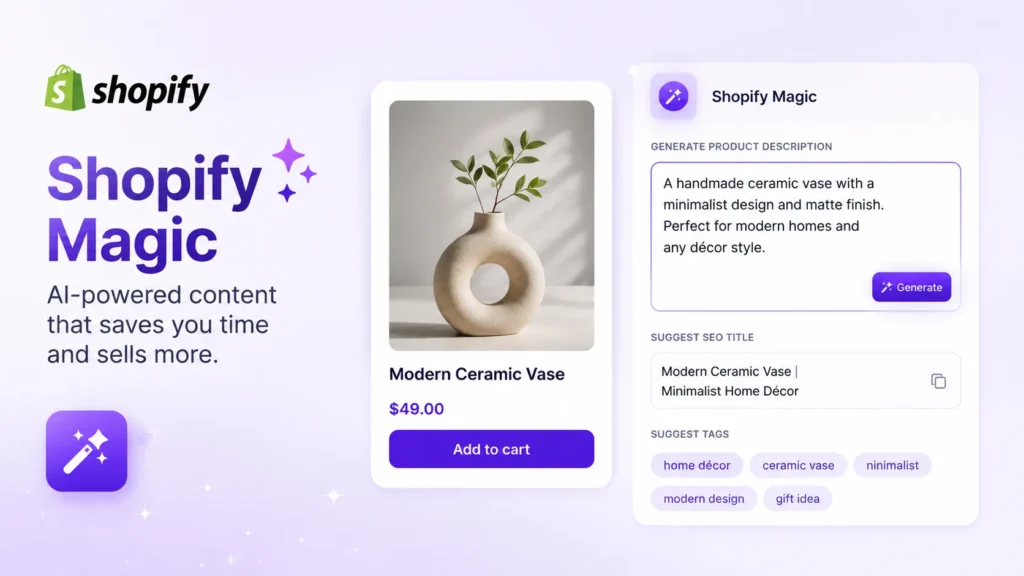
Shopify Magic helps store owners use AI for content-related tasks, including product descriptions and marketing copy. It works particularly well when you already have the basic product information but need help turning it into readable, customer-friendly copy.
RECOMMENDED FOR YOU

What Does Johnson & Johnson Own? Complete List of Brands, Products, and Companies
Devin Jacobs
Jul 29, 2026

PepsiCo-Owned Brands: Complete List of Companies and Products
Devin Jacobs
Jul 30, 2026

Best Luxury Car Insurance Companies in 2026: Top Providers for High-End Vehicles
Devin Jacobs
Aug 8, 2026
The important thing is not to publish whatever AI generates without checking it.
Your product description still needs to sound like your brand and, more importantly, accurately describe the product.
Best for: Product descriptions, marketing copy, and content creation.
Pricing: Shopify Magic features are built into Shopify rather than requiring a separate AI subscription.
3. ChatGPT
ChatGPT is not a Shopify-only tool, but that is also what makes it useful.
You can use it for product descriptions, keyword ideas, blog outlines, customer-service scripts, email campaigns, product comparisons, market research, ad concepts, and brainstorming.
Shopify has also expanded ways for AI assistants to interact with Shopify. Its current AI ecosystem includes connections with assistants such as ChatGPT, Claude, and Perplexity for tasks such as adding products, checking orders, changing prices, and pulling reports.
Best for: Content, research, brainstorming
Pricing: Free and paid options are available, depending on the plan and features you need.
4. Jasper AI
If content marketing is a major part of your Shopify strategy, Jasper can be useful for producing marketing material while keeping a more consistent brand voice.
It can help with product marketing, campaign ideas, advertising copy, email content, and other written material.
This can be especially helpful for stores that have several people creating content. Instead of every writer using a completely different tone, you can establish guidelines and use AI to keep content more consistent.
Best for: Ecommerce marketing
Pricing: Paid plans apply; pricing can change, so check the current plan before subscribing.
5. Shopify Inbox
Not every shopper wants to read through an FAQ page.
Sometimes they simply want to ask, “Does this come in medium?” or “When will my order arrive?”
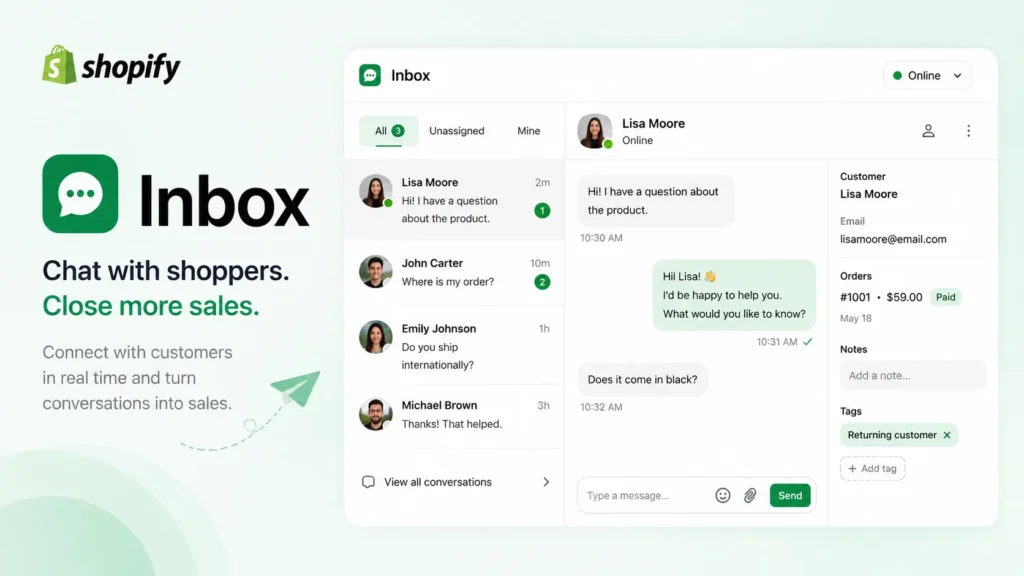
Shopify Inbox gives Shopify merchants a way to communicate with shoppers through live chat. Shopify describes it as a free live-chat tool that works through the Shopify admin and mobile app.
For smaller businesses, this can be a practical starting point before investing in a larger customer-support platform.
Best for: Live chat and direct customer communication.
Pricing: Free Shopify app.
6. Shopify Search & Discovery
Getting shoppers onto your website is only half the battle. They also need to find the right product once they arrive.
Shopify Search & Discovery lets merchants customize search and filters, create synonym groups, boost products in search results, and show related or complementary products. It also provides analytics around search and discovery.
For a store with a large catalogue, this can be more valuable than simply adding another content-generation tool.
Best for: On-site search, product discovery and recommendations.
Pricing: Free for Shopify store owners.
7. Gorgias
As a Shopify store grows, customer service can become difficult to manage.
Questions about shipping, returns, refunds, order status, and products can quickly fill a support inbox. Gorgias is designed for ecommerce customer support and automation, making it more appropriate for stores with a significant volume of customer conversations.
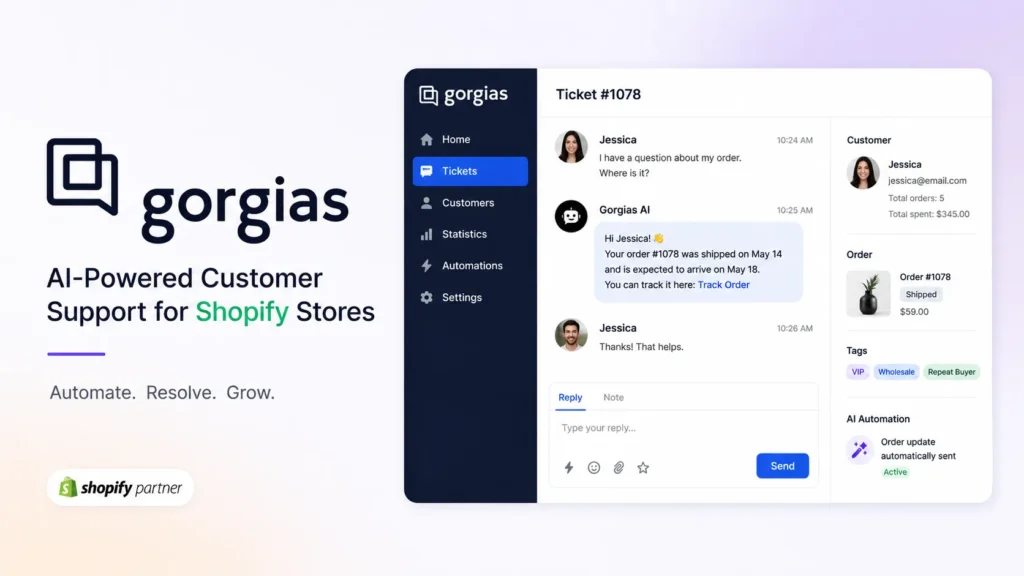
The appeal is not simply having an AI chatbot. The bigger benefit is organizing customer interactions and automating repetitive requests while allowing human agents to handle situations that actually require judgment.
Best for: Growing Shopify stores
Pricing: Paid plans vary according to the service and usage level.
8. Tidio
Tidio is another option for Shopify merchants who want AI-powered customer conversations.
Its Shopify presence includes AI chat, live chat and customer-support functionality. The Shopify App Store currently lists AI-powered Shopify apps such as Tidio alongside other chatbot solutions.
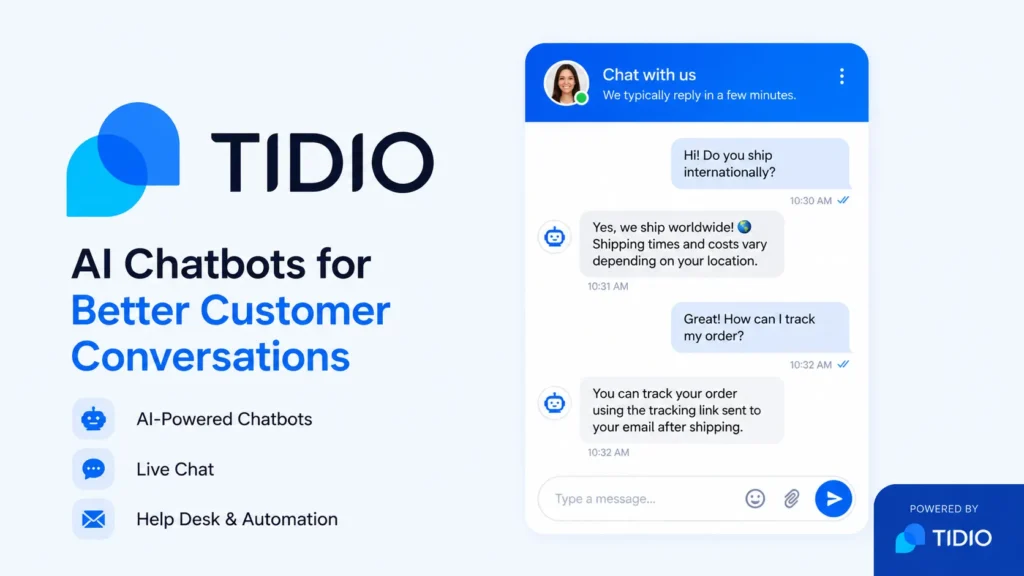
Such a tool can be best for answering common questions, recommendations of making products, and assisting customers while they browse.
Best for: AI chatbots and customer support.
Pricing: Free options and paid plans are available, depending on usage and features.
9. Prisync
Pricing can be one of the hardest parts of running an ecommerce business.
You want to remain competitive, but constantly checking competitors manually is tedious.
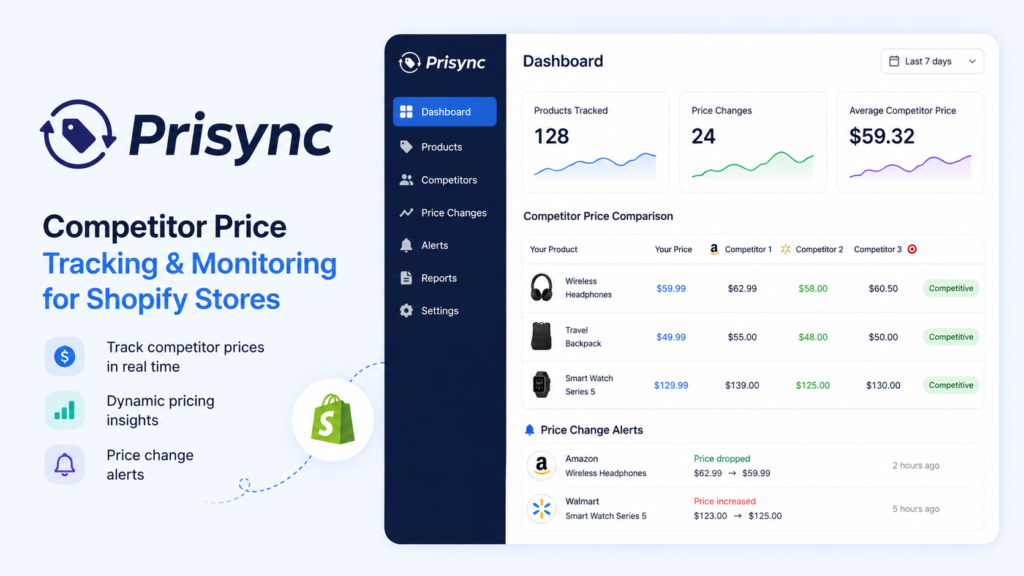
Prisync focuses on competitor price tracking and can help merchants monitor pricing across competing stores. Shopify includes competitor price tracking among the practical ecommerce applications for AI and automation tools.
Best for: Competitor pricing and market monitoring.
Pricing: Paid plans apply.
10. Runway
Good product photography matters, but video has become increasingly important for ecommerce marketing.
Runway is an AI-powered creative tool for generating and editing video. Shopify’s 2026 ecommerce AI guide lists Runway among tools that can be used for media and creative work, with a free tier available and paid plans starting at $12 per month at the time of Shopify’s review.
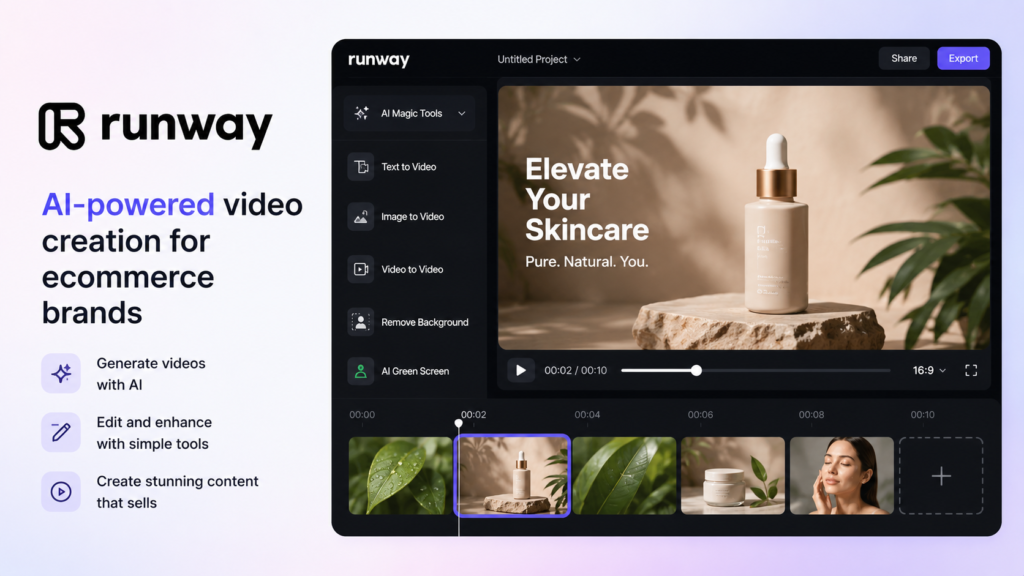
For Shopify merchants, it can be useful for creating social media clips, promotional material and other visual content without producing every video from scratch.
Best for: AI video creation and marketing content.
Pricing: Free tier available; paid plans vary.
How to Choose the Best AI Tool for Your Shopify Store
You do not need all 10 tools.
In fact, installing too many AI apps can create the opposite of what you want. Your Shopify store can end up with overlapping subscriptions, unnecessary complexity, and multiple tools accessing your business data.
A better approach is to start with the problem.
If you need help running the store
Start with Shopify Sidekick.
It is already inside Shopify and can help with store management, content, analysis, and other tasks.
If you need better product content
Try Shopify Magic or ChatGPT.
These are useful when you have a large catalogue or frequently add products.
If customer questions are taking over your day
Consider Shopify Inbox, Tidio, or Gorgias, depending on how sophisticated your support operation needs to be.
If customers struggle to find products
Look at Shopify Search & Discovery before immediately paying for another search tool.
If competitors keep changing prices
A dedicated pricing-monitoring tool such as Prisync may make more sense.
If your marketing needs more video
Runway is worth considering for creative production.
Final Thoughts
The best AI tool for Shopify in 2026 is not necessarily the one with the longest feature list.
For most merchants, Shopify Sidekick is the strongest starting point because it is built into Shopify and understands the store environment. From there, specialized tools can fill specific gaps content, customer service, product discovery, pricing, or creative work.
Start with one problem, test one tool, and measure whether it actually saves time or improves the customer experience.
FAQs
What are the best AI tools for Shopify in 2026?
Can AI help me run a Shopify store?
Are AI Shopify tools worth using for a small business?
Which AI tool is best for Shopify product descriptions?
Can AI help with Shopify customer service?
Can AI recommend products to Shopify customers?
Is AI-generated Shopify content safe for SEO?
What should I look for when choosing an AI Shopify tool?
What is the biggest mistake when using AI for Shopify?
Recommended Stories for You

Devin Jacobs Apr 23, 2026

Devin Jacobs May 15, 2026

Startuprise Aug 2, 2025

Devin Jacobs Jul 3, 2026

Devin Jacobs Jul 6, 2026

Devin Jacobs Apr 2, 2026
Trending Stories

Snapchat Planets Meaning, Order and How They Actually Works
Snapjotz.com: Ultimate Platform for Simplified Content Creation and Seamless Team Collaboration

Thejavasea.me Leak of AIO-TLP370: What It Means for the Future of Cybersecurity

SERVPRO: Fast and Reliable Disaster Recovery Solutions

TheSindi.com: Growing Digital Platform for Informative Content

Amazon Vine Login: How It Works, Membership Levels, Costs and Troubleshooting Guide

Dan Hayhurst: Inside the Life of Pamela Anderson’s Former Husband

Shark Tank Season 17: Release Date and New Guest Sharks

